API token
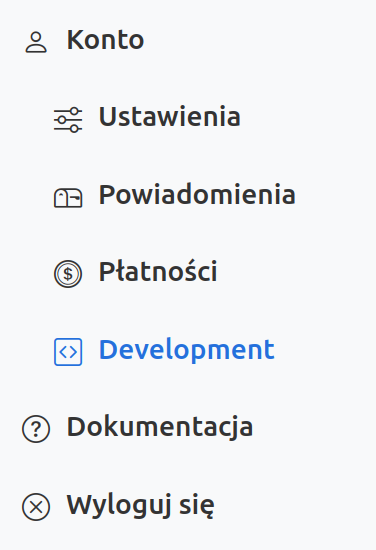
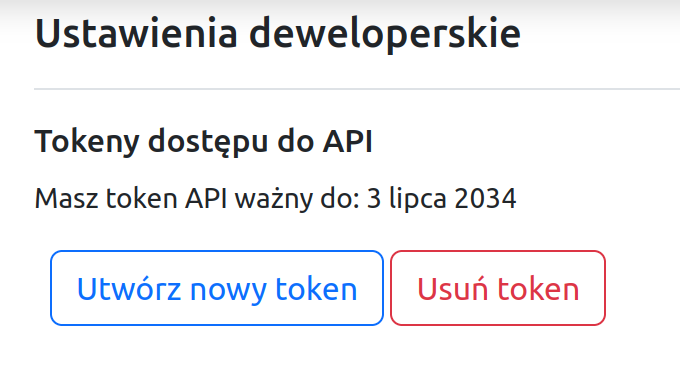
The Development option in the Signomix web application menu allows you to create an API token.
This token can be used to authenticate requests to the Signomix API instead of a session token. Using an API token simplifies the creation of scripts or client programs. Unlike a session token, there is no need to log in to the API beforehand, retrieve a session token, or handle errors caused by session expiration.
Example of use: retrieving data from a data source
curl -H "Accept: application/json" \
-H "Authentication: sgx_token" \
"https://cloud.signomix.com/api/provider/v2/device/01020304/*?query=last%201"
In the script above, you should:
- replace "
sgx_token" with the API token created for your account, - replace the sample EUI
01020304with the EUI of your data source.