LED type control
Displays an icon whose appearance and color depend on the defined alert rule for the measurement associated with it.
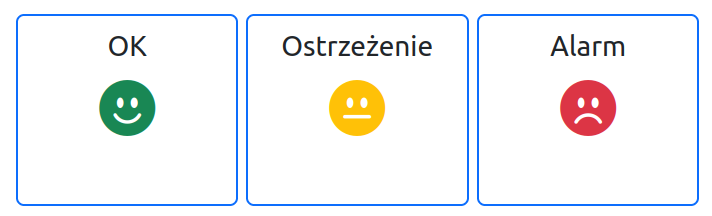
The illustration below shows the appearance of three LED controls respectively for: no warning, warning, and alarm.
Configuration
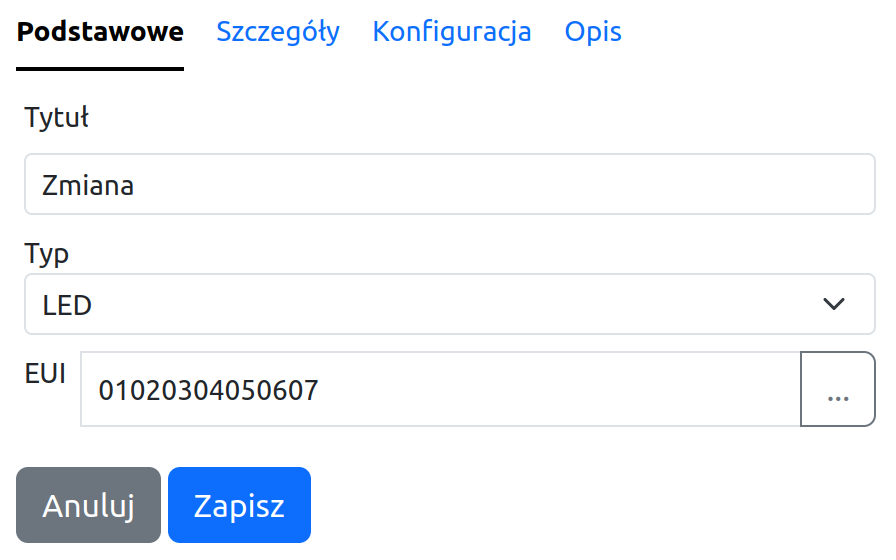
When configuring the `LED' control, fill in the following fields:
- EUI - data source identifier
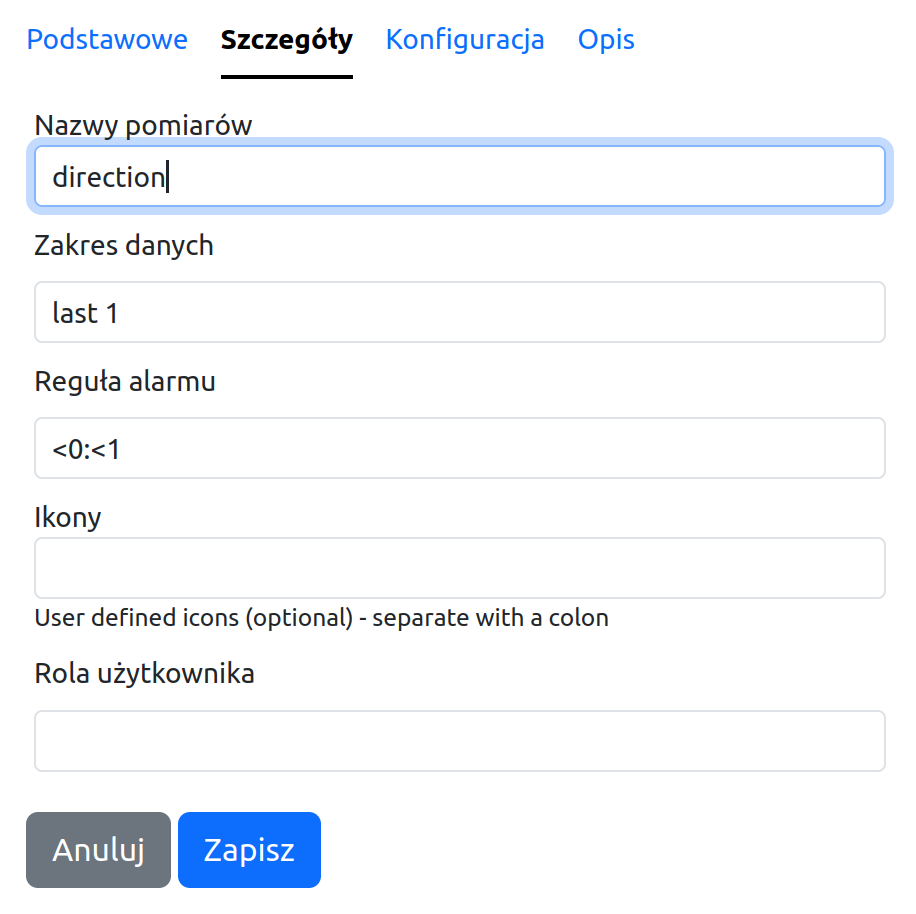
- Measurement names - name of the selected measurement sent by the selected data source (e.g., temperature, humidity, etc.) - one name
- Alarm rule - rule that makes the icon type and its color dependent on the last measurement value
- Icons - leaving this field empty will apply the default set of icons
Alarm rule
The rule defines which range of measurement values represents an alarm value, and which represents a warning.
Rule syntax:
rule: {alertCondition}[:{warningConditon}][@variableName][#maxDelay]
alertCondition|warningCondition: [variableName]{comparator1}{value}[[variableName]{comparator1}{value}]
comparator: >|<
where:
- variableName - measurement name
- value - value
- maxDelay - maximum time from the last measurement to the present moment - older data will not be taken into account, and in the absence of recent data, the control's state will be undetermined
- if alertCondition or warningCondition contains conditions for 2 comparators, a logical OR condition applies between them
Definition examples:
x<-10>40:x<0>30
<-10>40:<0>30
<-10>40:<0>30@temperature
<-10>40:<0>30@temperature#1h
x<-10>40:x<0>30#2m
Declaring an icon set
The standard icon set can be changed by declaring them in the Icons field. Icons available in the https://icons.getbootstrap.com/ project are supported.
Icon names must be separated by a colon :.
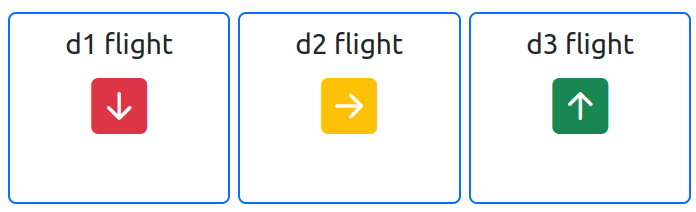
An example of selected icons and the resulting appearance below.
bi-arrow-up-square-fill:bi-arrow-right-square-fill:bi-arrow-down-square-fill